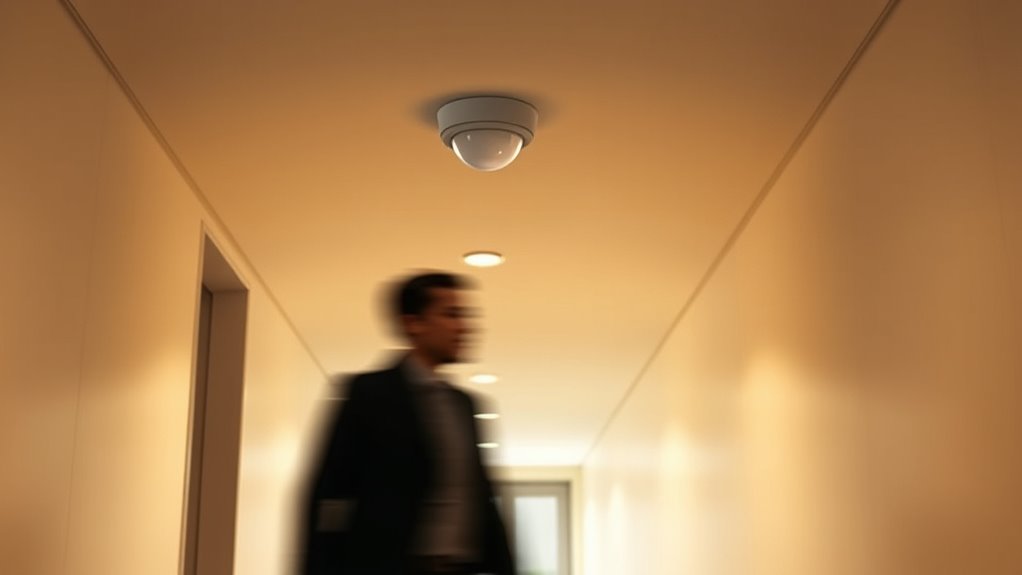

To reduce false positives with your motion sensors, start by proper calibration—adjust sensitivity and detection zones. Place sensors away from direct sunlight, vents, or areas with moving shadows, and avoid placement near heat sources. Test the system regularly by walking through monitored areas and fine-tuning settings as needed. Keep firmware updated for the latest improvements. If you follow these steps, you’ll improve accuracy; for more detailed guidance, continue exploring the process.
Key Takeaways
- Properly calibrate the sensor’s sensitivity to avoid reacting to minor movements or shadows.
- Strategically place sensors away from direct sunlight, moving objects, or heat sources to reduce false triggers.
- Test the sensor regularly by walking through monitored areas and adjust settings if false positives occur.
- Utilize built-in features like pet immunity and detection zone adjustments to filter out small animals and environmental interference.
- Keep firmware and software updated to benefit from improvements that enhance detection accuracy and reduce false alarms.

Motion sensors are essential tools for security and automation, but they can sometimes trigger false alarms. One common reason for this is improper sensor calibration. If your motion sensor isn’t correctly calibrated, it may interpret minor movements or changes in the environment as threats. To prevent this, start by adjusting the sensor’s sensitivity settings. Most sensors have a sensitivity dial or digital interface; turning it down slightly can reduce false triggers caused by small animals, passing shadows, or fluctuations in light. Proper calibration ensures that the sensor detects only significant motion, minimizing unwanted alerts.
Proper sensor calibration reduces false alarms by ensuring only significant motion triggers alerts.
Environmental interference is another leading cause of false positives. Factors like sunlight, reflections, or moving objects such as curtains or trees swaying in the wind can confuse motion sensors. To address this, examine the sensor’s placement carefully. Avoid pointing sensors directly at windows or areas with constant movement. If your sensor is outdoors, consider installing shields or coverings to block direct sunlight and rain, which can cause false triggers. Indoors, keep the sensor away from vents, fans, or heat sources that produce temperature fluctuations. Reducing environmental interference involves both strategic placement and physical modifications to limit extraneous stimuli that could activate the sensor.
In addition to calibration and placement, it’s important to regularly test your motion sensors to ensure they’re functioning correctly. Walk through the monitored areas and observe how the sensor reacts. If it triggers unnecessarily, revisit the calibration settings and adjust accordingly. Many modern sensors also include features like pet immunity or adjustable detection zones, which can help filter out small animals or focus detection on specific areas, further reducing false alarms caused by environmental factors.
Another effective step is to monitor the sensor’s firmware and software updates. Manufacturers often release updates that improve sensitivity algorithms and reduce false triggers caused by environmental interference. Keeping your device up-to-date ensures you benefit from the latest improvements and bug fixes. Additionally, understanding the impact of environmental factors on sensor performance can help you make more informed placement decisions. If false positives persist despite these measures, consider testing different models or brands known for better resistance to environmental interference. Sharing your experiences with customer support can also yield tailored advice, as they might suggest specific settings or placements based on your environment.
Ultimately, reducing false alarms involves a combination of proper sensor calibration, strategic placement, regular testing, and staying current with software updates. By paying close attention to environmental interference and adjusting your setup accordingly, you’ll ensure your motion sensors operate reliably, providing security without the nuisance of false positives.
Frequently Asked Questions
Can False Positives Damage the Motion Sensor Over Time?
False positives won’t typically damage your motion sensor over time. However, frequent false alarms can cause wear and tear if the sensor isn’t properly calibrated. To prevent this, you should regularly calibrate your sensor and implement false alarm mitigation techniques. This maintenance helps guarantee your sensor functions correctly, reducing unnecessary strain and extending its lifespan. So, while false positives don’t directly harm your sensor, ongoing issues can impact its longevity if left unaddressed.
Are Certain Environments More Prone to False Positives?
Certain environments are more prone to false positives because of environmental factors like heat, sunlight, or moving objects. You should also pay close attention to sensor placement, avoiding areas near vents, heaters, or windows where environmental changes happen frequently. By understanding these factors, you can reduce false positives, ensuring your motion sensor works accurately and lasts longer without unnecessary triggers.
How Do Weather Conditions Influence False Positive Rates?
Think of weather impact on sensors like a moody weather forecast. Rain, snow, or fog can trigger false positives by altering sensor sensitivity, making them think there’s movement when there isn’t. Wind can sway trees, mimicking motion, and temperature fluctuations can confuse infrared sensors. To keep false alarms low, you need to guarantee these weather effects, adjusting sensitivity settings to ensure your system stays reliable, rain or shine.
Can False Positives Be Completely Eliminated?
False positives can’t be completely eliminated, but you can reduce them considerably. Regular sensor calibration guarantees sensors respond accurately, minimizing false triggers. Additionally, advanced detection algorithms help distinguish genuine motion from false signals caused by environmental factors. By maintaining proper calibration and updating detection algorithms, you improve your motion sensor’s reliability, though some false positives may still occur due to unpredictable conditions.
What Are the Latest Technologies Reducing False Alarms?
You can greatly reduce false alarms with the latest technologies like machine learning algorithms, which analyze motion patterns to distinguish between real threats and false triggers. Regular sensor calibration also plays an essential role, ensuring sensors accurately detect genuine activity. These advancements enhance sensor precision, minimizing false positives, and providing more dependable security. While no system is perfect, combining machine learning with proper calibration offers you the best protection against unnecessary alerts.
Conclusion
Now that you know the ins and outs of motion sensors and false positives, you can confidently combat common concerns. By calibrating carefully, checking settings, and staying vigilant, you’ll prevent pesky false alarms from popping up. Remember, a little patience and proper planning go a long way—so stay sharp, stay secure, and keep false positives at bay. With these tips, you’ll master your motion sensors and maintain a safe, stress-free space.