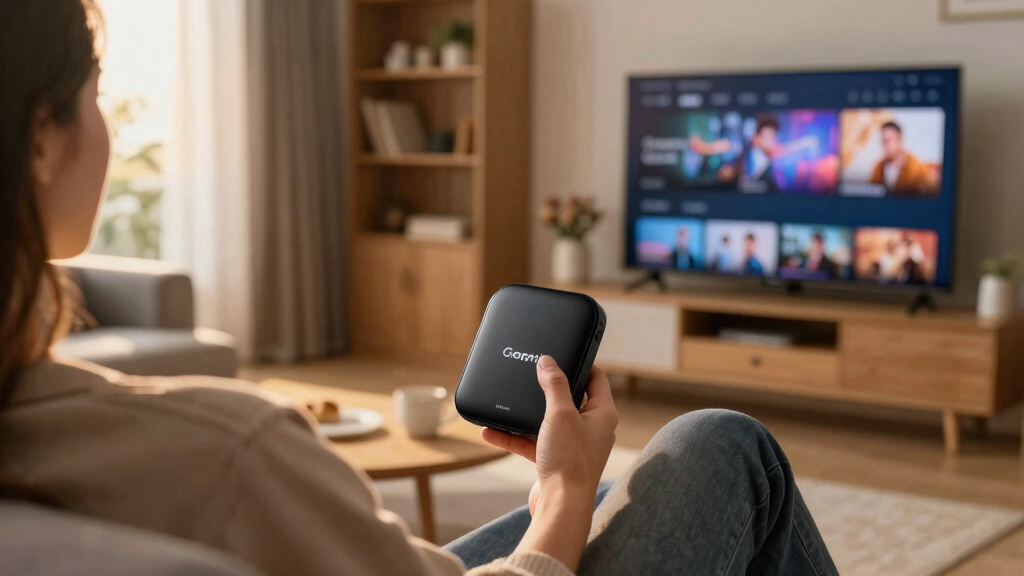

Wireless streaming media players have become essential for turning any TV into a smart entertainment hub. The best models deliver smooth 4K or HD streaming, support popular apps, and offer easy setup. The Roku Streaming Stick Plus stands out for its excellent 4K quality and affordability, while the Amazon Fire TV Stick 4K Max offers faster performance and Wi-Fi 6E support for future-proofing. Choosing the right device involves balancing picture quality, interface, price, and compatibility. Keep reading for a detailed review of the top options and what makes each unique.
Open a free Amazon Business account
Business pricing, bulk buying and tax-exempt orders.
Create a free accountAs an affiliate, we earn on qualifying purchases.
Key Takeaways
- The top-ranked devices combine strong performance with user-friendly interfaces, making streaming effortless.
- Price differences often reflect features like 4K support, HDR, and Wi-Fi standards; premium options offer future-proofing.
- Roku devices excel for simplicity and broad app support, while Amazon Fire TV players focus on integration with Alexa and smart home features.
- The best models support Wi-Fi 6 or Wi-Fi 6E, ensuring faster, more reliable streaming as networks evolve.
- Budget-friendly options like the Roku Express 4K+ still deliver solid 4K performance but lack some premium features like Dolby Vision or advanced remotes.


More Details on Our Top Picks
Roku Streaming Stick HD — HD Streaming Device for TV with Roku Voice Remote, Free & Live TV
This model stands out for its extremely straightforward setup and unobtrusive size, making it perfect for those who want reliable HD streaming without the fuss of extra cords or complex features. Compared with the Roku Streaming Stick 4K, it offers fewer resolution options but excels in simplicity and everyday use, especially where 4K isn’t necessary. Its ability to power directly from the TV reduces clutter, and the included voice remote consolidates control into one device. However, it lacks 4K support and advanced HDR features, which might disappoint users seeking cinematic quality. This pick makes the most sense for viewers who prioritize ease of use and minimalism over the latest video tech.
Pros:- Compact, sleek design that doesn’t block HDMI ports
- Powered directly from the TV, reducing clutter
- Includes Roku Voice Remote for simple control
Cons:- Limited to HD resolution, lacking 4K support
- No HDR or Dolby Vision capabilities
Best for: Casual viewers who want reliable HD streaming in a compact, easy-to-set-up device
Not ideal for: Home theater enthusiasts craving 4K HDR visuals or advanced streaming options
- Resolution Support:HD (1080p)
- Power Source:TV powered
- Remote:Roku Voice Remote
- Design:Sleek, compact
- Live TV:500+ free channels
- Wi-Fi Connectivity:Wi-Fi 5
Bottom line: This device is ideal for those seeking simple, reliable HD streaming in a small, clutter-free form factor.
Amazon Fire TV Stick 4K Max (newest model), streaming device, with AI-powered Fire TV Search, supports Wi-Fi 6E, free & live TV without cable or satellite, find shows faster with Alexa+
This pick makes the most sense for viewers who want fast, fluid 4K streaming, combined with the power of Wi-Fi 6E support and enhanced search via Alexa+. Its modern design and increased storage (16GB) improve app management and gaming options compared to the Fire TV Stick 4K. The device’s ability to handle demanding apps and quick navigation sets it apart from less powerful options like the Roku Express 4K+. However, its setup is more complex, and it’s slightly more expensive, which might be a barrier for casual users. If you’re after top-tier performance and faster show discovery, this model is the way to go.
Pros:- Supports Wi-Fi 6E for faster, more stable streaming
- Powerful quad-core processor for smooth navigation
- Enhanced Alexa remote with channel buttons and voice control
Cons:- Slightly higher price point than basic models
- Setup can be more involved for less tech-savvy users
Best for: Tech-savvy viewers seeking high performance, 4K quality, and fast search capabilities
Not ideal for: Casual viewers or those on a tight budget who only watch basic HD content
- Resolution Support:4K Ultra HD
- Wi-Fi:Wi-Fi 6E
- Storage:16GB
- Remote:Enhanced Alexa Voice Remote
- Processor:Quad-core 2.0GHz
- HDR Support:HDR10+, Dolby Vision
Bottom line: Ideal for power users who want quick access to 4K content and advanced connectivity features.
Amazon Fire TV Stick 4K Select (newest model), start streaming in 4K, AI-powered search, and free & live TV, find shows faster with Alexa+
This model is a strong choice for those who want 4K Ultra HD with HDR support at a more accessible price point, offering the convenience of Alexa-powered search and a broad app selection. Its 8GB storage limits app downloads compared to the 16GB Fire TV Stick 4K Max, but it still delivers sharp visuals and quick performance for most streaming needs. Compared to Roku Express 4K+’s basic HD streaming, this device provides a significant upgrade in resolution and smart search features. The main tradeoff is its limited storage and slightly less robust hardware, which could impact gaming or multiple app usage. It’s a smart pick for budget-conscious consumers aiming for quality 4K content.
Pros:- Supports 4K Ultra HD with HDR10+
- AI-powered search with Alexa for faster show discovery
- Broad app compatibility including Prime Video, Netflix, Disney+
Cons:- Limited to 8GB storage, less room for apps
- No Wi-Fi 6E support
Best for: Budget-conscious viewers who want reliable 4K and smart search features
Not ideal for: Heavy app users or gamers who need more storage and processing power
- Resolution Support:4K Ultra HD
- Storage:8GB
- Wi-Fi:Dual-band Wi-Fi
- HDR:HDR10+
- Remote:Alexa Voice Remote
- Processor:Quad-core 1.7GHz
Bottom line: Best suited for viewers wanting 4K quality and smart voice search without high costs.
Roku Ultra – Ultimate Streaming Player – 4K Streaming Device for TV with HDR10+, Dolby Vision & Atmos – Bluetooth & Wi-Fi 6 – Rechargeable Voice Remote Pro with Backlit Buttons – Free & Live TV
This model is the clear choice for viewers who want the highest quality streaming with Dolby Vision, HDR10+, and Atmos support, along with the fastest interface thanks to Wi-Fi 6 and a powerful processor. Its rechargeable Voice Remote Pro with backlit buttons and hands-free control enhances usability, especially in dark rooms. Compared to the Roku Streaming Stick 4K, it provides a more premium experience with better picture quality and robust audio options, making it suitable for serious home theater setups. The main tradeoffs are its higher price and larger size, which could be less ideal for tight spaces. For those seeking cinematic excellence and the latest tech, this Roku Ultra is the top pick.
Pros:- Supports Dolby Vision, HDR10+, Dolby Atmos for cinematic quality
- Wi-Fi 6 for faster, more reliable streaming
- Rechargeable remote with backlit buttons and voice controls
Cons:- Relatively higher cost compared to basic streamers
- Larger form factor may not suit small spaces
Best for: Home theater enthusiasts demanding 4K HDR and Dolby Atmos with premium remote features
Not ideal for: Casual viewers on a budget or those with limited space
- Resolution Support:4K with Dolby Vision and HDR10+
- Audio:Dolby Atmos
- Wi-Fi:Wi-Fi 6
- Remote:Rechargeable Voice Remote Pro
- HDR Support:HDR10+, Dolby Vision
- Size:Larger, premium build
Bottom line: Perfect for users seeking the best cinematic experience with top-tier audio and picture quality.
Roku Express 4K+ | Roku Streaming Device 4K/HDR with Voice Remote, Free & Live TV
This device makes a strong case for budget-conscious consumers who still want 4K HDR streaming, offering sharp visuals with a straightforward interface. Its inclusion of a voice remote simplifies navigation, and the device’s support for a wide range of apps makes it versatile. Compared with the Roku Streaming Stick HD, it adds 4K support and HDR, significantly enhancing picture quality for a modest price increase. Its main tradeoffs are a slightly larger form factor and limited storage, which could matter for heavy app users. This model is ideal for those who want to upgrade from HD to 4K without breaking the bank.
Pros:- Supports 4K Ultra HD and HDR
- Includes voice remote for easy control
- Supports a broad app ecosystem
Cons:- Larger size than compact models
- Limited internal storage for apps
Best for: Budget-conscious viewers wanting 4K HDR with voice control
Not ideal for: Users seeking advanced features like Dolby Vision or gaming capabilities
- Resolution Support:4K Ultra HD with HDR
- Remote:Voice Remote
- Wi-Fi:Dual-band Wi-Fi
- HDR Support:HDR10+
- Size:Compact
- Storage:Supports apps but limited internal space
Bottom line: A smart choice for budget-conscious users upgrading to 4K HDR content with voice command features.
Roku Streaming Stick 4K – HDR & Dolby Vision Roku Streaming Device for TV with Voice Remote & Long-Range Wi-Fi – Free & Live TV
This option stands out for delivering breathtaking 4K picture quality with Dolby Vision and HDR10, making it ideal for viewers who prioritize visual clarity. Compared with the Roku Ultra, it offers seamless long-range Wi-Fi to reach farther rooms, though it sacrifices some advanced features like Dolby Atmos support. Its sleek, compact design ensures it stays hidden behind your TV, and the voice remote simplifies navigation. The built-in free live TV channels provide a major bonus, adding versatile content without extra subscriptions. However, its reliance on Wi-Fi means streaming could be interrupted in congested networks, and it lacks the ultra-premium audio options found in higher-end models. Best for users who want stunning visuals and broad app access without the need for advanced audio or gaming features.
Pros:- Stunning 4K picture with Dolby Vision and HDR10 support
- Long-range Wi-Fi reception for distant or blocked rooms
- Compact design that stays hidden behind the TV
- Includes free live TV channels for additional content
Cons:- Limited to basic audio features, no Dolby Atmos support
- Wi-Fi dependency may cause interruptions in crowded networks
- No dedicated Ethernet port for wired connection
Best for: Homeowners seeking reliable 4K streaming with a simple setup and wide app selection
Not ideal for: Power users who want Dolby Atmos or integrated gaming capabilities
- Resolution:4K
- HDR Support:Dolby Vision, HDR10
- Wi-Fi:Long-range Wi-Fi
- Remote:Voice Remote
- Apps:All top streaming apps + free live TV
- Design:Sleek, compact
- Streaming Platform:Roku OS
- Additional Features:Supports travel use
Bottom line: This makes the most sense for viewers who want excellent 4K quality and broad app access in a simple, unobtrusive device.
Roku Express 4K 2022 | Streaming Media Player HD/4K/HDR with Smooth Wireless Streaming and Roku Simple Remote with TV Controls, Includes Premium HDMI Cable, Black (Renewed)
Compared with the more feature-rich Roku Streaming Stick 4K, the Roku Express 4K offers solid 4K and HDR support at a lower price point, making it ideal for budget-conscious consumers. Its simple remote with TV controls adds convenience, and the included premium HDMI cable saves extra expense. While it doesn’t boast the long-range Wi-Fi of the Streaming Stick 4K, it still provides reliable wireless streaming for most homes. The device is particularly suitable for secondary TVs or less demanding streaming setups. The tradeoff is that it lacks the compact, hidden design and travel-friendly features of other models, and Wi-Fi stability can be an issue in larger or congested networks. This pick is best for users who want dependable 4K streaming without extra bells and whistles.
Pros:- Supports 4K and HDR content for sharp visuals
- Includes premium HDMI cable and TV remote controls
- Affordable and reliable for everyday streaming
- Simple setup suitable for most users
Cons:- Less effective long-range Wi-Fi compared to higher-end models
- Lacks portability features for travel
- No Ethernet port for wired connection
Best for: Budget-conscious households or secondary TV setups needing reliable 4K/HDR streaming
Not ideal for: Power users seeking advanced Wi-Fi or portable features for travel
- Resolution:4K
- HDR Support:HDR
- Wi-Fi:Standard Wireless
- Remote:Simple TV remote with controls
- Included Accessories:Premium HDMI cable
- Design:Basic, compact
- Streaming Platform:Roku OS
- Additional Features:Supports HD/SD content
Bottom line: This is ideal for those who want dependable 4K streaming at a lower price point for secondary TVs or less demanding environments.
Roku Streaming Stick Plus – 4K & HDR Roku Streaming Device for TV with Voice Remote – Free & Live TV
This pick makes the most sense for viewers who want brilliant 4K picture quality combined with HDR and a sleek, unobtrusive design. Compared with the Roku Streaming Stick 4K, the Plus version offers enhanced picture vividness and a more compact form factor that powers directly from the TV, eliminating extra cords or wall outlets. Its voice remote simplifies content search and control, and the device’s small size makes it ideal for travel or clutter-free setups. However, this model lacks the long-range Wi-Fi of the Roku Streaming Stick 4K, which may be limiting in larger or obstructed rooms. Also, it doesn’t include the free live TV channels found in the Roku Streaming Stick 4K, which could be a downside for cord-cutters seeking free content. Best suited for users who prioritize picture quality and a tidy appearance in a portable form.
Pros:- Brilliant 4K picture and HDR color
- Compact design that powers from the TV itself
- Remote with voice controls for easy navigation
- Ideal for travel or clutter-sensitive setups
Cons:- Less effective Wi-Fi range than larger devices
- No built-in free live TV channels
- Limited advanced audio options
Best for: Users wanting high-quality 4K HDR streaming with a minimalist, portable device
Not ideal for: Large households with Wi-Fi signal issues or those who want extensive free live TV channels
- Resolution:4K
- HDR Support:HDR
- Wi-Fi:Standard Wireless
- Remote:Voice Remote
- Power Source:Powered from TV
- Design:Compact, portable
- Streaming Platform:Roku OS
- Additional Features:Supports travel use
Bottom line: This device is perfect for viewers seeking high-quality 4K HDR visuals in a small, portable package with a clean setup.
How We Picked
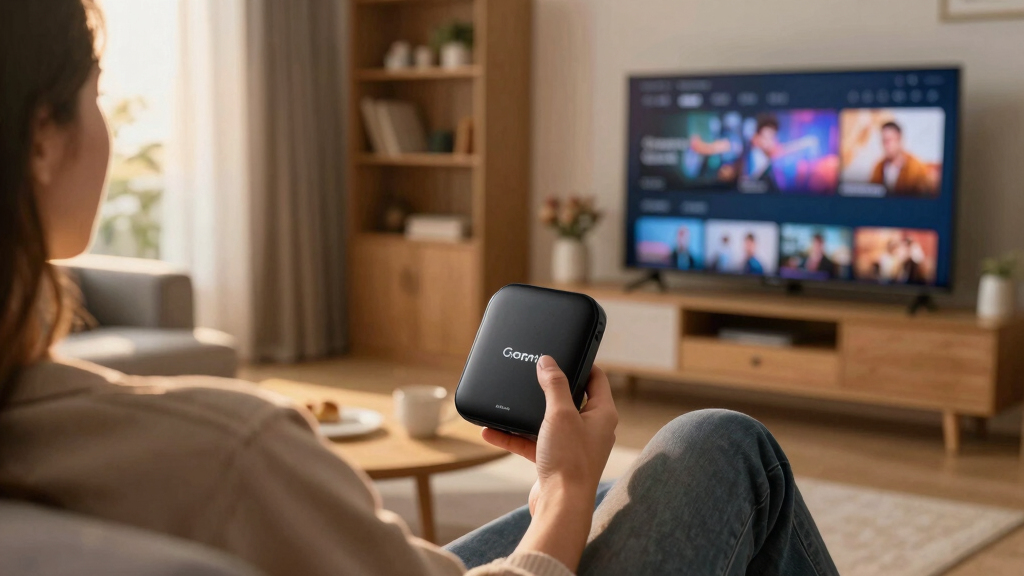
These streaming media players were evaluated based on performance, build quality, ease of setup, interface responsiveness, and support for the latest standards like 4K, HDR, and Wi-Fi 6. I also considered value for money, compatibility with popular apps, and remote features such as voice control. Devices were ranked to highlight those offering the best balance of features, performance, and affordability for typical users. Premium models with advanced features are included for those seeking cutting-edge technology, while budget options focus on core performance at a lower price point.Factors to Consider When Choosing Wireless Streaming Media Players
Choosing the right wireless streaming media player depends on several key factors. Beyond basic compatibility, understanding these considerations can help you avoid common pitfalls and select a device that fits your entertainment setup and future needs.Performance and Video Quality
Look for a device that supports at least 4K resolution if your TV is 4K-capable. HDR support, including Dolby Vision and HDR10+, enhances color and contrast, making the picture more vivid. Faster processors and Wi-Fi standards like Wi-Fi 6 or Wi-Fi 6E can significantly improve streaming stability, especially in busy networks. Remember, a higher-performance device often costs more but provides a smoother experience, especially during high-bitrate streaming or gaming.
Compatibility and App Support
Ensure the device supports all your favorite streaming apps, including niche services. Roku generally offers the broadest app selection, while Amazon Fire TV integrates seamlessly with Alexa-enabled smart home devices. Check whether the device supports casting from phones or tablets, which can expand your streaming options. Compatibility with voice assistants and smart home ecosystems can add convenience but may also lock you into specific platforms.
Ease of Use and Remote Features
A simple user interface and responsive remote make a big difference in daily use. Voice control features, such as built-in microphones for Alexa or Google Assistant, add hands-free control. Remote backlighting and shortcut buttons for popular apps improve usability, especially in dim rooms. Consider whether the remote includes a headphone jack or Bluetooth for private listening if those features matter to you.
Price and Future-Proofing
Premium devices with the latest standards tend to cost more but offer longer relevance as streaming quality improves. Cheaper models still provide excellent HD and 4K streaming but may lack features like Dolby Vision or Wi-Fi 6. Think about your long-term needs: if you plan to upgrade your TV or home network soon, investing in a more capable device might save money later. Balance your budget with the features that will matter most over time.
Additional Features and Ecosystem
Some players come with built-in streaming guides, gaming support, or smart home integrations. If you already use a particular voice assistant or smart home platform, choosing a compatible device can enhance your ecosystem. Features like Bluetooth for connecting external speakers, Ethernet ports for wired connections, or rechargeable remotes can also influence your decision. Evaluate which extras will genuinely improve your entertainment experience.
Frequently Asked Questions
Do I need a 4K streaming device if I only have a 1080p TV?
While a 4K device won’t improve your TV’s resolution, it can still be beneficial for future upgrades or if you want access to higher-quality streams from services that support 4K content. Many 4K players are also backward compatible with HD content, so you won’t lose functionality. Additionally, they often include features like HDR support, which can enhance picture quality even on HD TVs, provided your TV supports those standards.
Is Wi-Fi 6E necessary for a streaming media player?
Wi-Fi 6E offers faster speeds and better network reliability, which can reduce buffering and improve streaming stability, especially in busy environments. However, for most current streaming needs, Wi-Fi 5 or Wi-Fi 6 is sufficient if your network is stable. Wi-Fi 6E becomes more relevant if you are streaming 4K content regularly, have multiple devices competing for bandwidth, or plan to upgrade your home network soon.
Can I use a streaming media player without a smart TV?
Absolutely. Streaming media players are designed to add smart capabilities to any TV with an HDMI port, regardless of whether it is a smart TV or not. They are a cost-effective way to access streaming apps, live TV, and other online content on older TVs. Just ensure your TV has an available HDMI input and that your internet connection is reliable for the best experience.
Should I prioritize a device with a remote control or app control?
Most users prefer a dedicated remote for quick access and ease of use, especially when watching TV from a distance. Remote controls with voice commands, backlit buttons, and dedicated app shortcuts enhance convenience. App control is useful when you want to browse or cast content from your phone, but it’s generally less immediate than using a remote, particularly during casual viewing sessions.
How important is the device’s ecosystem compatibility?
If you already use smart home devices or voice assistants like Alexa, Google Assistant, or Apple HomeKit, choosing a compatible streaming player can streamline your setup. Ecosystem compatibility allows for voice control, routines, and seamless integration across your devices. However, if you primarily want a straightforward device for streaming without additional smart home features, this may be less of a priority.
Conclusion
For most users, the Roku Streaming Stick Plus offers a compelling balance of performance, ease of use, and affordability, making it the best overall choice. If you want a device with the latest technology and faster Wi-Fi, the Amazon Fire TV Stick 4K Max is ideal, especially for smart home enthusiasts. Budget-conscious buyers should consider the Roku Express 4K+, which delivers solid 4K streaming without extra bells and whistles. Advanced users seeking premium features and future-proofing might prefer the Roku Ultra or high-end Amazon Fire TV models. Ultimately, your choice depends on your budget, ecosystem preferences, and how much you value cutting-edge features versus straightforward streaming.
Labor Day sales Picks
labor day deals
As an affiliate, we earn on qualifying purchases.