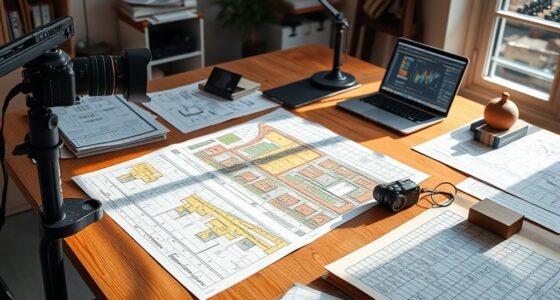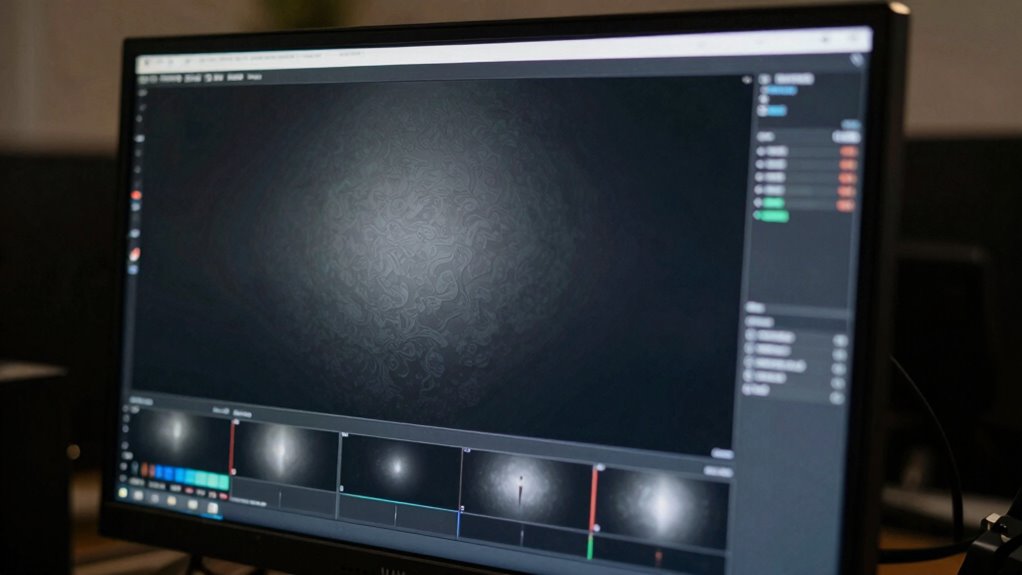

Using an accurate monitor is essential when reviewing dark footage because it shows you subtle textures, shadows, and color details that uncalibrated screens often hide. Without proper calibration, you risk misjudging contrast, depth, and mood, which can lead to poor editing decisions and ruined visuals. An accurate display guarantees your dark scenes look their best and stay consistent. If you want to learn how to keep your monitor reliable, there’s more to explore below.

Get books and cozy reading nights delivered free — and shop member deals
- Fast, free delivery on millions of items
- Access to Prime Big Deal Days deals on October 6–7
- Prime Video, Amazon Music and more included
Key Takeaways
- Accurate monitors reveal subtle textures, shadows, and color nuances hidden in dark scenes.
- Proper calibration prevents washed-out shadows and missed details, maintaining scene depth and mood.
- Color calibration ensures true-to-life colors, avoiding shifts that could alter the footage’s intended atmosphere.
- Using uncalibrated monitors can lead to misjudging contrast, blacks, and overall image quality.
- Regular calibration maintains consistency, ensuring professional-quality dark footage and efficient workflow.
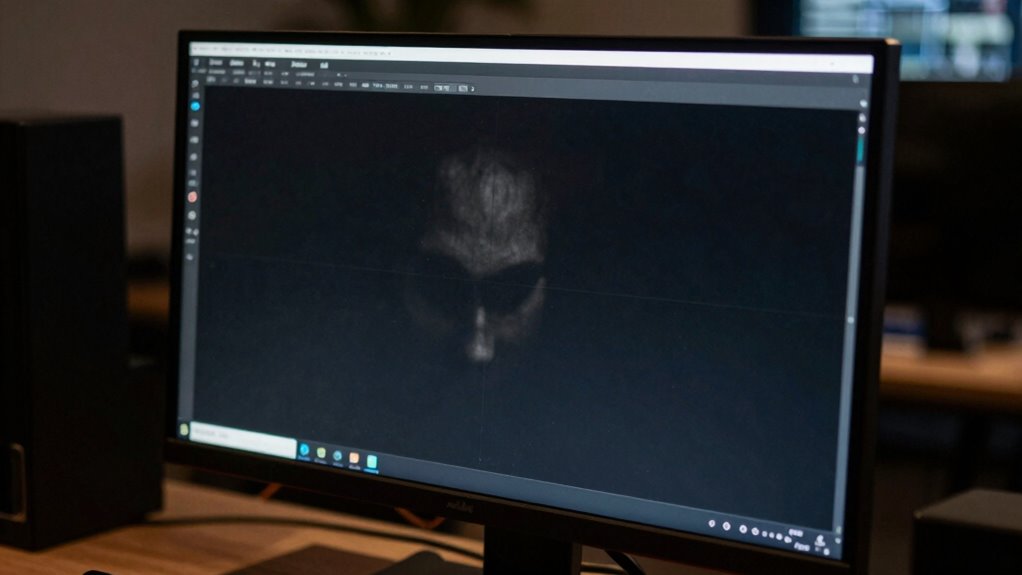
When working with dark footage, having an accurate monitor is essential to see every detail and make precise adjustments. Dark scenes often hide subtle textures, shadows, and color nuances that can be easily missed on an uncalibrated or unreliable display. Without proper color calibration, you risk misjudging the true look of your footage, which can lead to overexposed highlights or crushed shadows once finalized. An accurate monitor ensures that what you see on screen truly represents the intended colors and contrast, allowing you to make informed decisions during editing and grading.
A calibrated monitor reveals subtle details and ensures accurate color and contrast for precise dark footage editing.
Brightness settings are equally critical when reviewing dark footage. Too high, and the shadows can become washed out, destroying the depth and mood of your scenes. Too low, and you might miss important details lurking in the darkest areas. A high-quality, calibrated monitor allows you to set the brightness correctly, balancing the contrast and ensuring that shadows retain their richness without losing detail. This balance helps you maintain consistency across different scenes and ensures that your final output looks great on any display.
Color calibration is the foundation of an accurate monitor. It aligns your display’s color output with industry standards, making sure that reds, greens, blues, and all the intermediate shades are accurate. When you have a calibrated monitor, you’re confident that the dark tones are true to life, and the overall color grading remains consistent. This accuracy is especially crucial for dark footage, where subtle color shifts can dramatically affect the mood and storytelling. Calibration tools and software help you fine-tune your monitor, removing any color cast or gamma discrepancies that could distort your perception.
Without these adjustments, you might find yourself fighting with your footage, trying to compensate for monitor inaccuracies rather than trusting the image on screen. It becomes a guessing game—one that wastes time and compromises quality. Investing in a monitor with excellent calibration capabilities and adjustable brightness settings gives you the control you need to handle dark footage confidently. It allows you to see the true depth of shadows, the richness of blacks, and the integrity of colors, all of which are essential for creating professional, visually compelling dark scenes. Regular calibration also helps maintain color consistency over time, ensuring ongoing accuracy.
In essence, an accurate monitor isn’t just a tool; it’s your partner in achieving cinematic quality. Proper color calibration and carefully set brightness levels ensure that your dark footage looks intentional, detailed, and emotionally impactful. When you rely on a monitor that faithfully reproduces your work, you eliminate guesswork and produce a final product that’s polished, consistent, and true to your creative vision. Recognizing the importance of monitor calibration can significantly improve your post-production workflow and final results. Properly calibrated displays also help in color accuracy, ensuring your creative intent is preserved throughout editing and grading processes. Additionally, maintaining a high level of display reliability ensures that your work remains consistent across different projects and viewing environments.
professional color calibration monitor
As an affiliate, we earn on qualifying purchases.
As an affiliate, we earn on qualifying purchases.
Frequently Asked Questions
How Do I Calibrate My Monitor for Dark Footage?
To calibrate your monitor for dark footage, start with proper brightness calibration. Use a calibration tool or software to set your monitor’s brightness so blacks appear true without losing detail. Next, adjust color grading settings to guarantee accurate color reproduction in low-light scenes. Regularly check calibration with test patterns, and consider professional calibration for the best results, so your dark footage looks consistent and true to life.
What’s the Best Monitor Resolution for Reviewing Dark Scenes?
Think of your monitor as a lighthouse guiding you through foggy nights. For reviewing dark scenes, a resolution of at least 4K guarantees sharp details, while a high contrast ratio lets you distinguish subtle shadows. Prioritize color accuracy to see true shades, especially in darkness. A monitor with these specs helps you navigate dark footage confidently, revealing hidden nuances and making sure your edits are precise and consistent.
Do Different Monitor Types Affect Dark Footage Accuracy?
Yes, different monitor types do affect dark footage accuracy. You need a monitor with high color accuracy and a strong contrast ratio to see details clearly in dark scenes. IPS panels often provide better color accuracy, while OLED screens deliver superior contrast, making them ideal for reviewing dark footage. Choosing the right monitor guarantees you accurately assess shadows, highlights, and overall image quality, preventing mistakes in your editing process.
How Does Ambient Lighting Impact Dark Footage Review?
Ironically, ambient lighting often helps you see more clearly, but it can distort your perception of dark footage. Too much light washes out details, reducing color accuracy and making it harder to judge shadows accurately. In a poor viewing environment, you might misinterpret contrast and color, leading to flawed edits or reviews. To maintain precision, control ambient lighting and choose a monitor suited for critical dark footage review.
Can Software Adjustments Replace High-Quality Monitors?
Software adjustments can’t fully replace high-quality monitors, especially when it comes to color accuracy and display contrast. You need a reliable monitor to see true dark tones and subtle color differences, which software alone may distort. Relying solely on software risks misjudging footage quality. A high-quality monitor guarantees you get an accurate view of your dark footage, helping you make precise edits and maintain professional standards.
Conclusion
Remember, a picture is worth a thousand words, especially when it comes to dark footage. Using an accurate monitor guarantees you see every shadow and detail, helping you make precise adjustments. Don’t settle for guesswork—trust your tools to guide your creative vision. After all, the devil’s in the details, and with the right monitor, you’ll bring out the best in your dark scenes. Keep your standards high and your vision clearer.
Fall Picks
fall essentials
As an affiliate, we earn on qualifying purchases.